
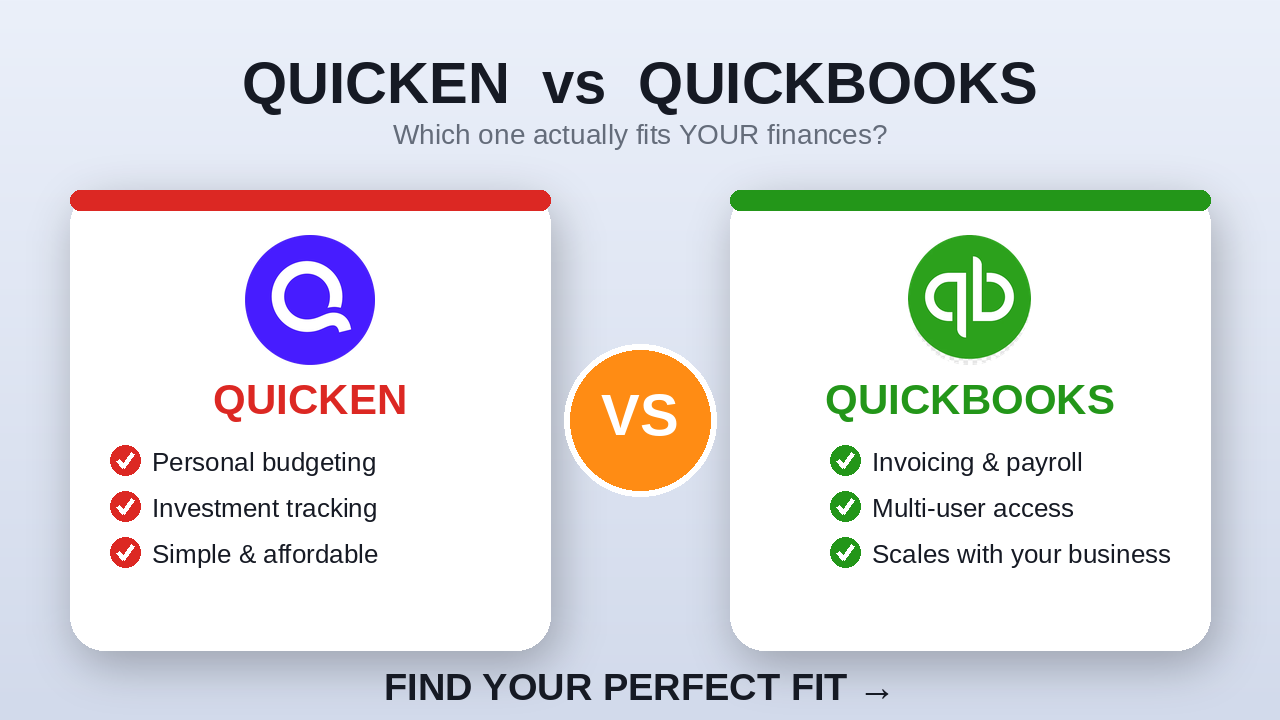
Personal finance vs. small-business accounting — the real differences, verified pricing, and how to pick the right one for your situation.
Quicken and QuickBooks get lumped together constantly — same parent company (Quicken was originally an Intuit product, now owned separately), similar-sounding names, and both are software you use to “manage money.” But once you look at what each one is actually built to do, they’re not competing for the same job at all. One is built for your personal finances. The other is built to run a business.
This guide breaks down the real differences: single-entry vs. double-entry accounting, one user vs. up to 25, pricing that starts at roughly $5/mo vs. $20/mo, and exactly which situations call for each tool. Every figure below was verified directly against quicken.com and quickbooks.intuit.com in August 2026 — both companies run promotions and change pricing often, so double-check current rates before you buy.
What Is Quicken?
Quicken is a personal finance manager — mission control for your own money. It pulls in your checking and savings accounts, credit cards, loans, and investment accounts into one dashboard. From there you can:
- Build and track a spending plan (budget)
- Track your net worth over time
- Project your cash flow months out
- Track rental property income and expenses
It’s built around one person — you — managing your own financial life.
What Is QuickBooks?
QuickBooks is a different animal entirely: a full double-entry accounting system built for running a business. Instead of just tracking what’s in your accounts, QuickBooks lets you:
- Send professional invoices and accept online payments
- Pay bills and manage cash flow
- Run payroll and track inventory
- Generate the profit-and-loss statements and balance sheets your accountant or the IRS wants to see
Because a business usually isn’t a one-person show, QuickBooks is built for teams — with separate logins, permission levels, and a dedicated login for your accountant.
The Core Difference
Quicken is personal finance: single-entry tracking, built for one user. QuickBooks is business accounting: double-entry bookkeeping that scales up to 25 users on QuickBooks Online’s top plan. That one distinction — personal vs. business — is really the whole ballgame. Everything else below flows from it.
Where Each Tool Shines
Quicken’s strengths
- Personal budgeting and spending plans
- Investment and retirement portfolio tracking
- Rental property income and expenses
- Debt payoff planning
What it’s not built for: multiple users on the same file, or running payroll.
QuickBooks’ strengths
- Professional invoicing and online payments
- Inventory and project profitability tracking
- Payroll and tax filing
- Multi-user access with roles and an accountant login
What it’s weaker at: tracking your personal net worth or rental properties as part of household finances — it simply wasn’t designed for that.
How Many People Can Use It?
Quicken is a one-user tool, period. QuickBooks Online scales from one user up to 25 on the Advanced plan, plus a free login for two or three accountants depending on tier. Bonus fact: QuickBooks Desktop Enterprise — a separate, pricier product — scales even further, up to 40 simultaneous users. If anyone else ever needs into your books, that’s a point in QuickBooks’ favor.
Pricing (Verified August 2026)
| Product | Plan | Price (verified Aug. 2026) |
| Quicken | Classic Deluxe / Premier | ~$5–$8/mo |
| Quicken | Classic Business & Personal | ~$8/mo (new-subscriber rate) |
| QuickBooks | Solopreneur | ~$20/mo |
| QuickBooks | Simple Start | $38/mo |
| QuickBooks | Essentials | $85/mo |
| QuickBooks | Plus | $140/mo |
| QuickBooks | Advanced | $340/mo |
Pricing changes frequently and both companies run promotions — verify current rates on quicken.com and quickbooks.intuit.com before you buy.
Choose Quicken If…
- You’re managing your own money, not running a business
- You want one dashboard for banking, credit cards, and investments
- You own rental property and want it tracked alongside personal finances
- You’re a solopreneur with very simple, low-volume activity that doesn’t need real invoicing or payroll
Choose QuickBooks If…
- Your business sends invoices or takes payments from customers
- You need payroll, inventory, or tax-ready financial statements
- More than one person — or your accountant — needs access to the books
- You’re planning to grow; QuickBooks is built to scale with you
The Quick Recap
Personal finances, single-entry, one user, a few bucks a month — that’s Quicken. Business accounting, double-entry, up to 25 users on Online, starting around $20/mo — that’s QuickBooks. Match the tool to the job, not the other way around.
Want the Full Breakdown?
We cover this same comparison — with live screen recordings of both dashboards — in our full video: Quicken vs QuickBooks 2026 — Full Comparison
Still not sure which one fits your situation? Need one-on-one help choosing or setting up Quicken or QuickBooks? Get help at QuickenCoach.com or SundialVFO.com.